Kindle vs Kobo: Which E-Reader Is Best for UK Readers?

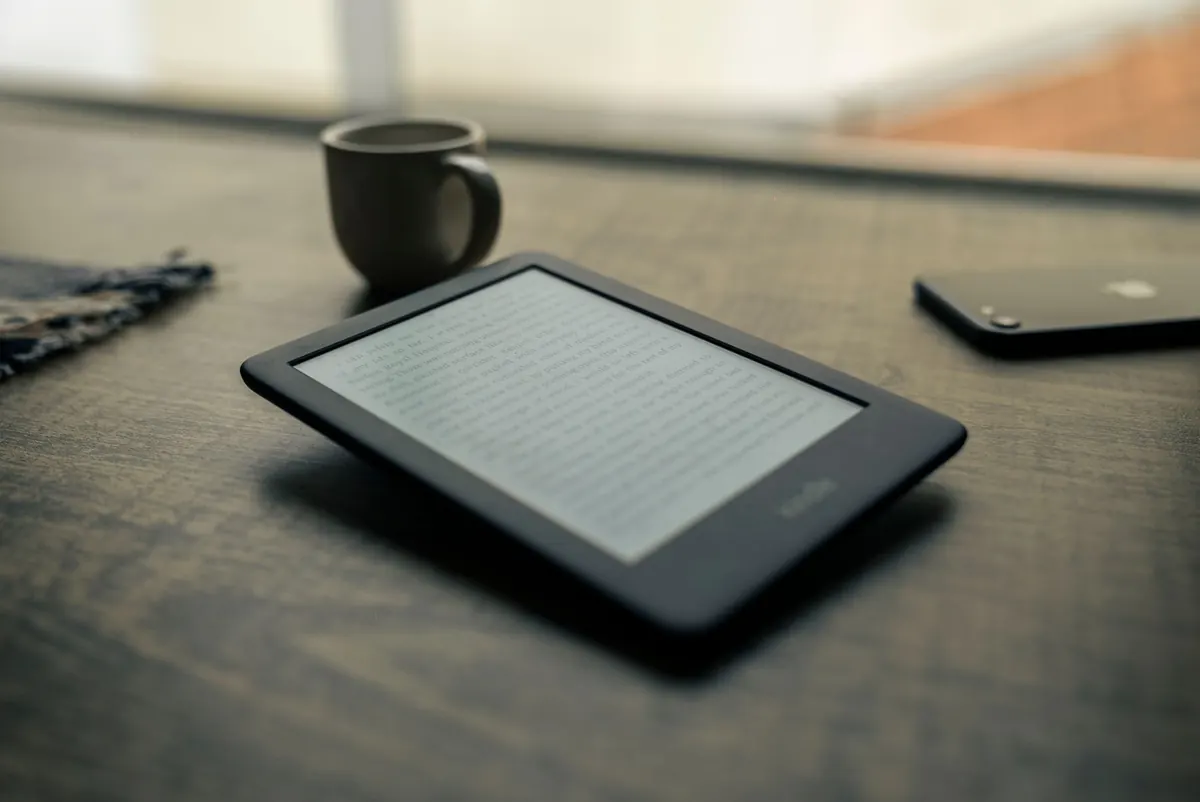
Kindles and Kobos do the same basic job: a matte screen, weeks of battery life, and thousands of books in something the weight of a paperback. The hardware is rarely what makes the decision hard. What separates them is everything that happens after you finish a book — where you buy the next one, whether your library card works, and how easily you can open a file that didn't come from a shop. Here's how the two compare for readers in the UK.
Amazon's Kindle Store is the bigger of the two, and its advantage shows up most clearly in self-published and genre fiction. If you read a lot of indie crime, romance or fantasy, you'll find far more of it on Kindle, often through the Kindle Unlimited subscription. Amazon also discounts individual titles aggressively and briefly, which makes a wishlist worth keeping.
Kobo's store is smaller but comfortably covers mainstream publishing, and Kobo Plus bundles ebooks with audiobooks in its combined tier. It's the closest equivalent to Kindle Unlimited, though the catalogue is different — worth browsing before you commit to a monthly fee.
One thing to be clear about: purchases are tied to the ecosystem. A book bought from Amazon won't open on a Kobo, and a Kobo purchase won't open on a Kindle. Whichever you choose, understand that your purchased library lives there.
Both services auto-renew, and both are easy to pause in a quiet reading month. Check that the authors you actually read are included rather than trusting the headline count — genre catalogues differ noticeably between the two.
Public libraries here lend ebooks through a small number of suppliers — most commonly Libby/OverDrive, BorrowBox and Cloud Library. Kobo builds OverDrive support into most of its current models, so on a Clara or Libra you can sign in with your library card, borrow a title and start reading on the device itself. No computer, no cables, no Adobe authorisation to wrestle with.
Kindle is a different story. Libby's "read with Kindle" hand-off is limited to US libraries, so in the UK you can't push a library loan straight onto a Kindle. If your library uses BorrowBox, neither device will help — that service is app and browser only, so you'd be reading on a phone or tablet.
Before you buy anything, it's worth five minutes of homework:
Kobo is the friendlier of the two if you already have a folder of EPUBs. It reads EPUB, PDF, CBZ and CBR comics, TXT, RTF and HTML, and you can drag files across over USB without any conversion. Some models also connect to Dropbox or Google Drive, which is handy for longer documents.
Kindle takes a different route. Amazon dropped MOBI support for its Send to Kindle service, so EPUB and PDF are now the formats to use. You send the file through the Send to Kindle app, the web uploader, or by email, and Amazon converts and syncs it to your device. It works well, but it's an extra step, and complex layouts don't always survive the trip.
Calibre remains the tool of choice for managing a DRM-free library and converting between formats, and it works with both brands. Neither will read the other's protected store purchases, so don't buy one expecting to move a locked library across later.
Amazon's line-up runs from a compact, budget Kindle up through the waterproof Paperwhite, the colour Colorsoft and the large-screened Scribe with its stylus. No current Kindle has physical page-turn buttons.
Kobo's range is broader at the top end. The Clara models are compact and waterproof, the Libra adds page-turn buttons and stylus support, and the Sage and Elipsa 2E go bigger for note-taking and PDFs. Plenty of readers who moved to Kobo did it purely for those buttons.
Colour e-ink is worth a reality check. On both brands it looks muted next to a phone screen — it's genuinely useful for comics, covers and colour-coded highlights, but it isn't vivid. If you mostly read novels, a black-and-white model is cheaper and looks sharper. Bluetooth audiobook playback is available on some models from both makers, so check before assuming.
Entry-level Kindles and Kobo Claras sit in a similar bracket, but the two companies behave differently over the year. Amazon cuts Kindle prices steeply and often, especially around Prime Day and Black Friday. Kobo discounts are real but less frequent, so waiting can mean a longer wait.
Colour models cost noticeably more on both sides. A waterproof case or sleeve is easier and cheaper to find for a Kindle; Kobo accessories are fewer and often pricier. Then there's the recurring cost — a subscription you forget about is the most expensive part of e-reading.
On aftercare, Amazon's returns process is famously frictionless. Kobo handles warranty support through its own channels and tends to be slower, which is worth factoring in if you like the reassurance
Photo: NoName_13 / Pixabay
Previous Post
15 Things to Check Before Buying a Refurbished Kindle
Next Post
Kindle Setup for Beginners: From Unboxing to First Download