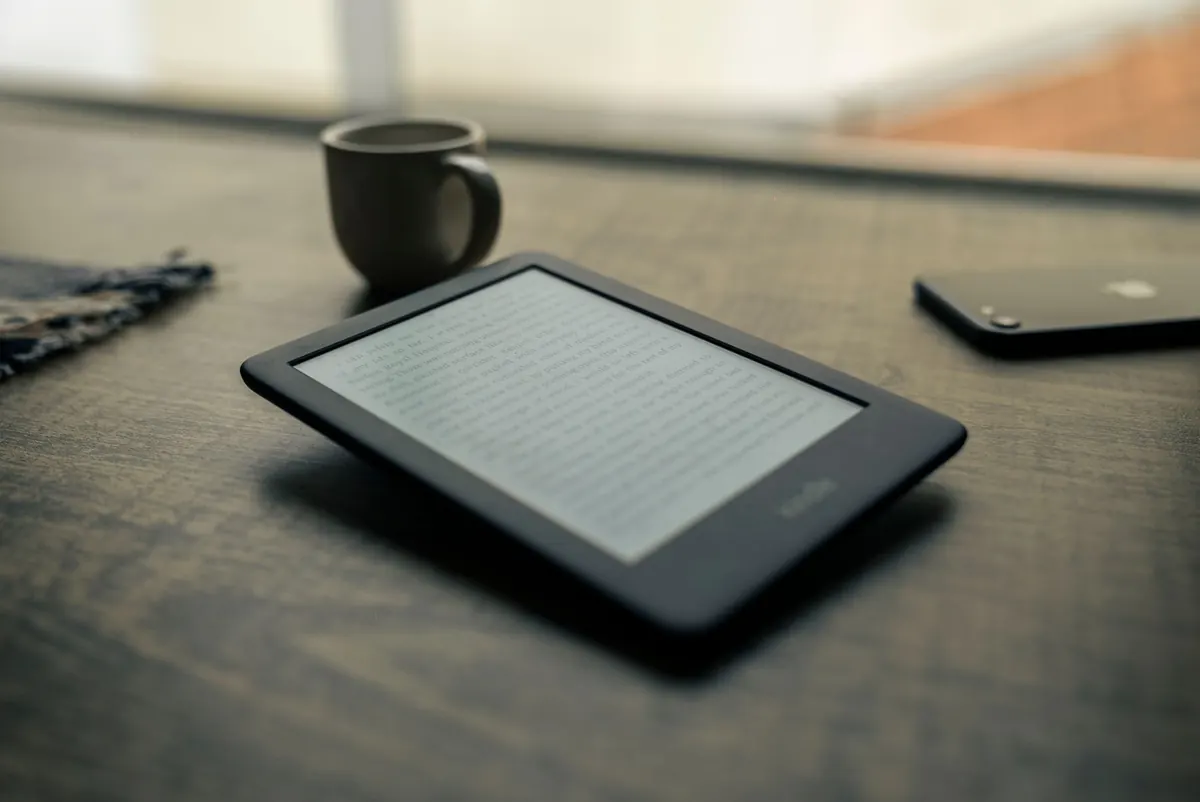
Kindle Screen Technologies Explained: Frontlight, Warm Light and Glare
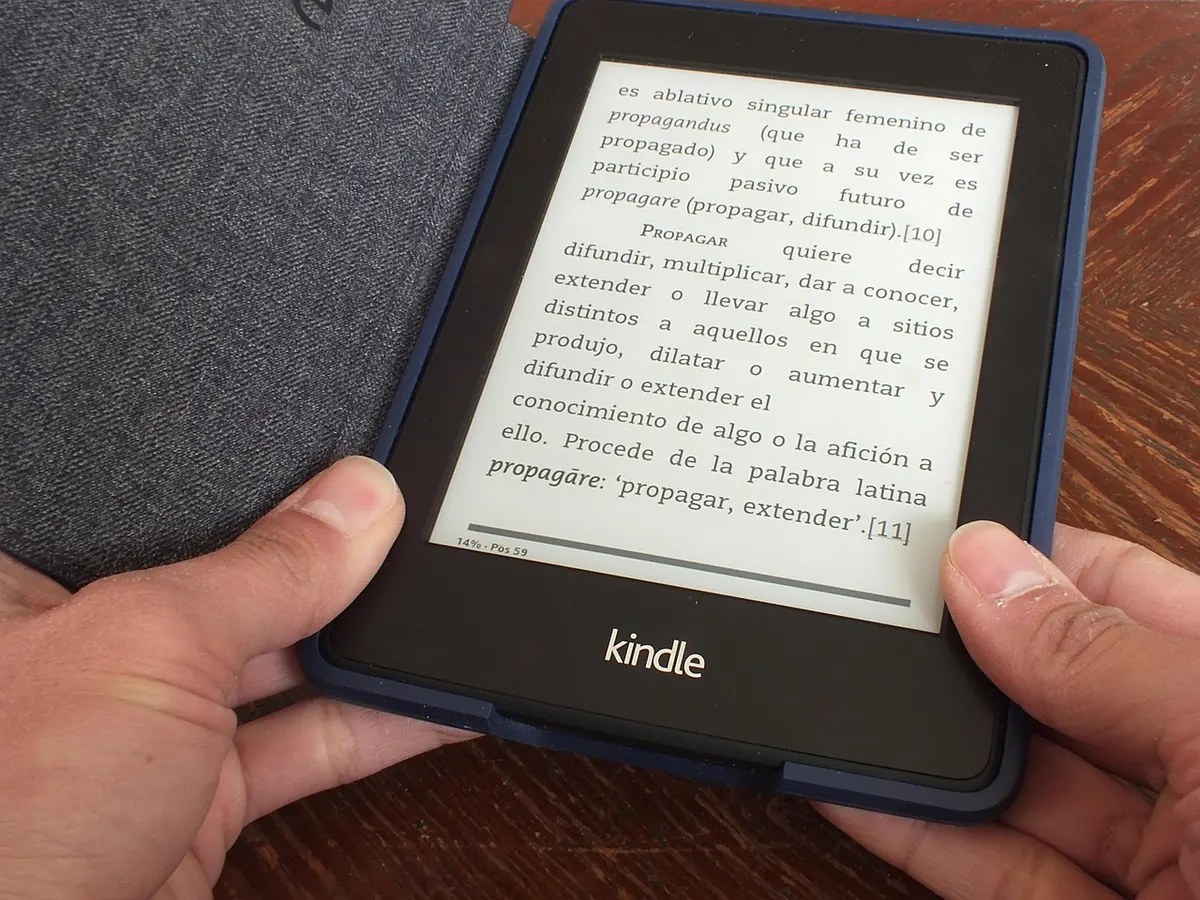
A Kindle's screen is the one part of it you never upgrade, so it is worth understanding before you buy. The good news is that the technology is simpler than the marketing language around it suggests: a matte, reflective display, plus a thin layer of lights that shines across the page rather than into your eyes. Once you know how those two pieces fit together, choosing between models gets much easier — and so does getting a comfortable read at 7am on a crowded train or at 11pm in bed.
Every current Kindle uses E Ink. Inside the screen are millions of tiny capsules filled with a clear fluid, black particles and white particles. Apply a small electric charge and the particles move: white ones rise to the surface to make a light area, black ones to make a dark one. Once they have settled, they stay there without using any power, which is why a Kindle can hold a page for hours and barely touch the battery.
The important consequence is that an E Ink screen produces no light of its own. It reflects whatever light is already in the room — a lamp, a window, the sun. That is why a Kindle is so good outdoors: the brighter the day, the clearer the page. It is also why the background looks grey rather than brilliant white. There is no lamp firing through the pixels from behind, as there is on a phone or tablet.
Because E Ink is reflective, Amazon adds a frontlight. A row of LEDs sits along the edge of the display, beneath a clear light-guide layer, and pushes light sideways and down across the surface. The light bounces off the page and back to your eyes, the way a bedside lamp does with a paperback.
A frontlight lights the page. A backlight lights your face. Kindle screens do the former.
That difference matters for comfort. A tablet beams light straight at you through the glass; a frontlit Kindle lights the paper-like surface instead. Brightness is adjustable, usually on a 0–24 scale, and a few models add an ambient sensor that nudges the level up or down as the room changes.
One practical tip: turn the frontlight down until the page looks comfortable, then drop it a notch further. A bright frontlight in a dark room works against you — the screen looks washed out and your eyes do more work than they need to. Once the lights are off, most people find somewhere around level 8 to 12 is plenty.
A standard frontlight is cool white, with a fair amount of blue in it. Warm light adds a second set of amber LEDs and a slider or schedule that blends between the two. At one end the page is crisp and white; at the other it is a soft cream, closer to newsprint under a low lamp.
Is it worth having? For night reading, most people find it noticeably gentler. The contrast between a bright white rectangle and a dark room is smaller, so the page feels less glaring, and the tone is easier to settle into. In daylight you will probably leave it off altogether.
Two things to keep in mind. Warm light is a comfort feature, not a treatment — if sleep is a genuine problem, sort that out separately rather than expecting a setting to fix it. And the effect is subtle. If you read mostly during the day, you will not miss it.
On availability: the entry-level Kindle has a frontlight but no warmth control, and its screen sits slightly recessed behind a plastic bezel. Adjustable warm light arrived with the Oasis and is now standard on the Paperwhite and everything above it. Most of those models also let you schedule the shift — warm from sunset, cooler from sunrise — so you never have to think about it again.
Glare is light reflecting off a surface instead of being scattered by it. A phone screen in sunlight is a mirror; an E Ink screen is closer to paper. That comes down to the top layer. Most Kindles use a matte, etched finish that diffuses reflections, so instead of a hard blob of ceiling light you get a faint haze at worst.
You can still create glare on a Kindle, though:
It also helps to know there are two kinds of front. The recessed plastic screen on the basic Kindle is the most matte of the range. The flush glass fronts on the Paperwhite and the models above it use an anti-glare etch, which handles reflections well but feels smoother and picks up slightly more shine at sharp angles.
Nobody needs every feature. Work backwards from your habits:
When you first set a Kindle up, do this: switch the warmth schedule on so it tracks sunset and sunrise, then set brightness by hand in the two or three places you read most — sofa, bed, kitchen table. Those few minutes save you adjusting the slider every evening.
And if you are buying second-hand, the lighting specification is the thing to check first, because it varies most between generations. A warm light slider, a flush front and a higher pixel density are the differences you will notice on every single page.
Photo: josemiguels / Pixabay
Previous Post
How to Transfer Books to Your Kindle from a PC or Mac
Next Post
15 Things to Check Before Buying a Refurbished Kindle